


Playful Design
The designer in your pocket
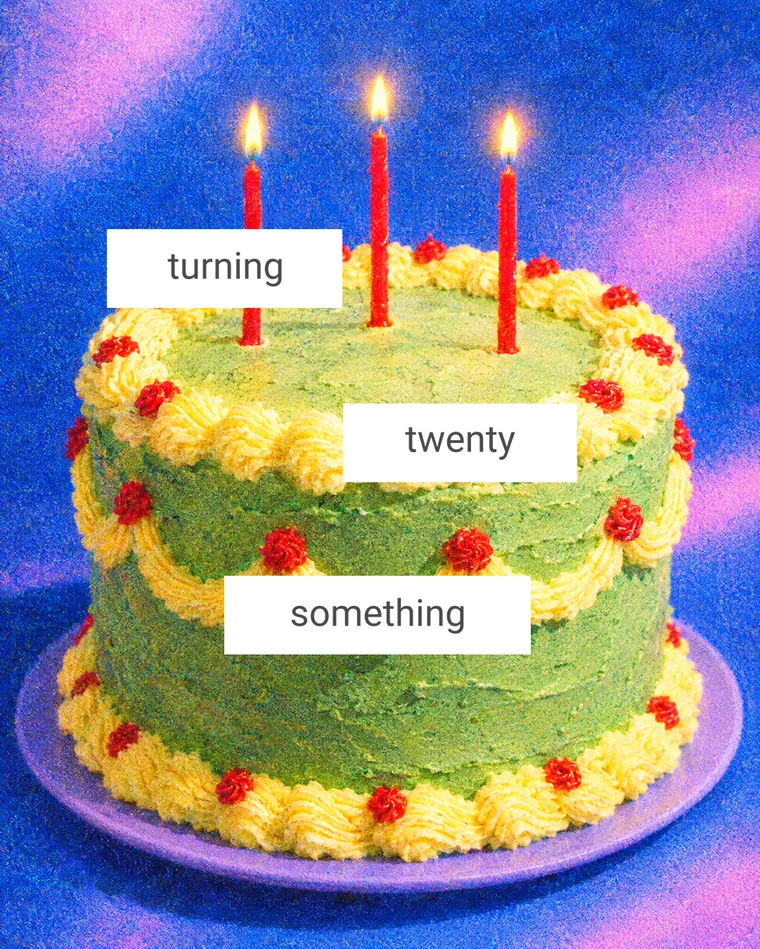
What will you make?





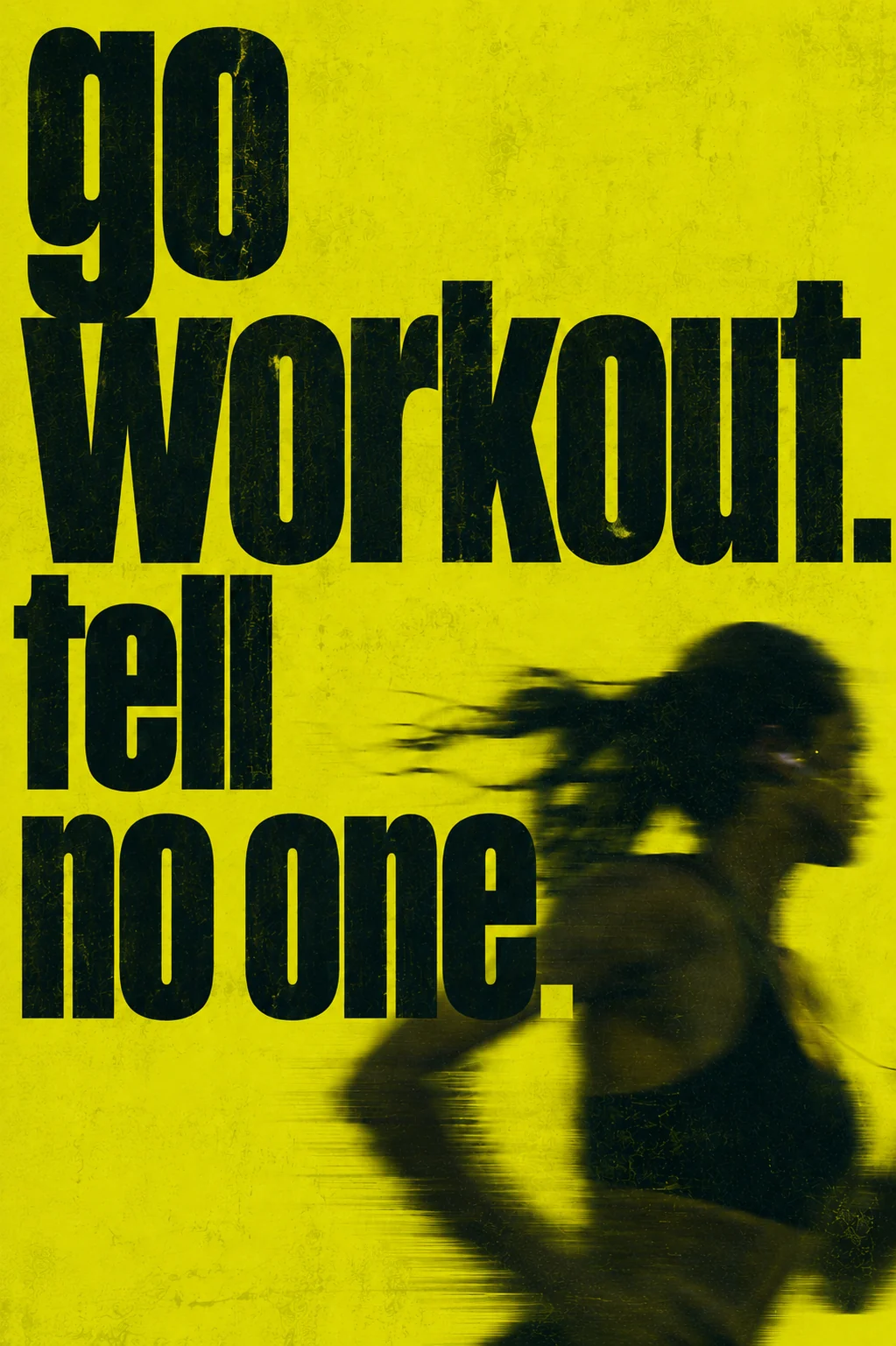
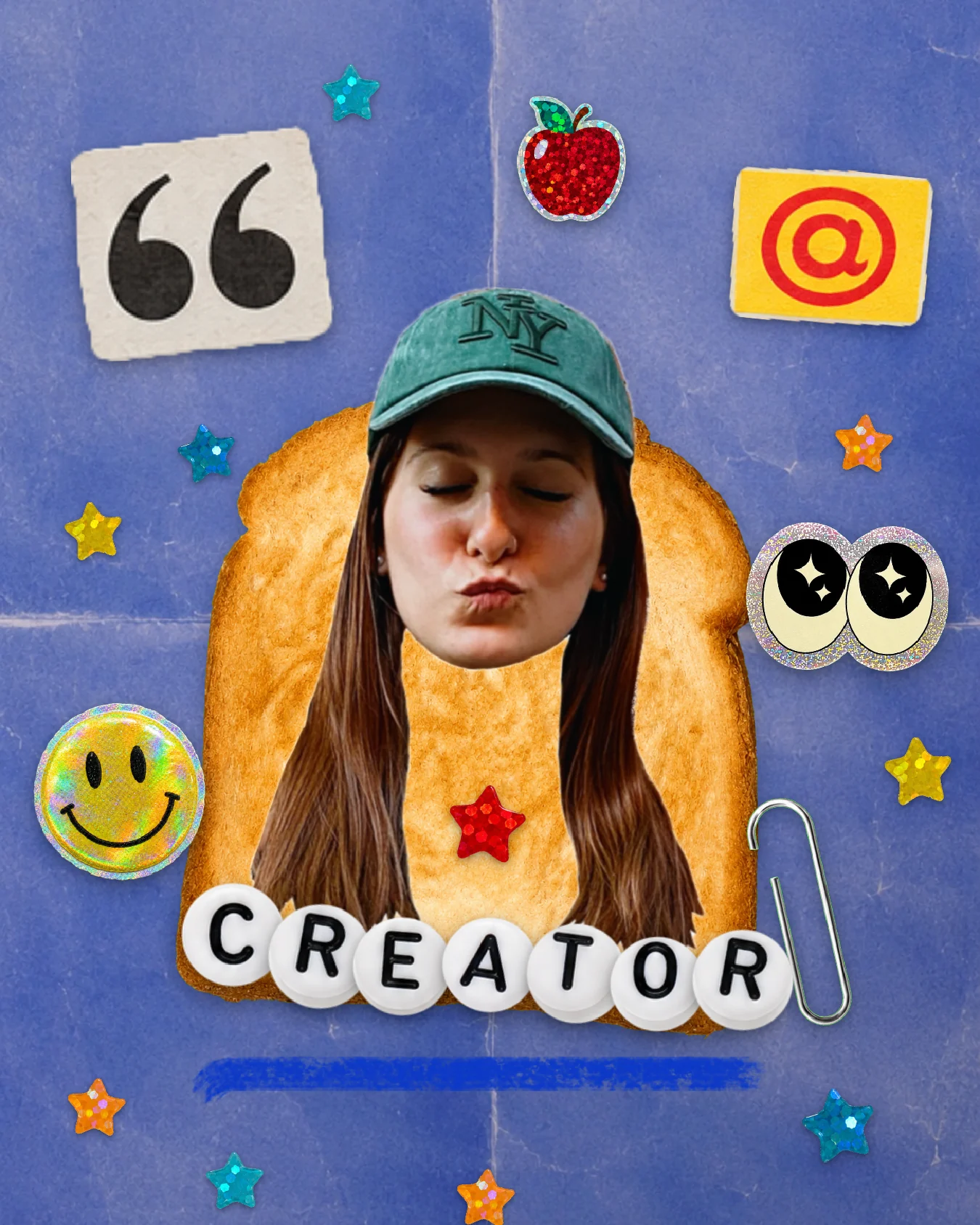

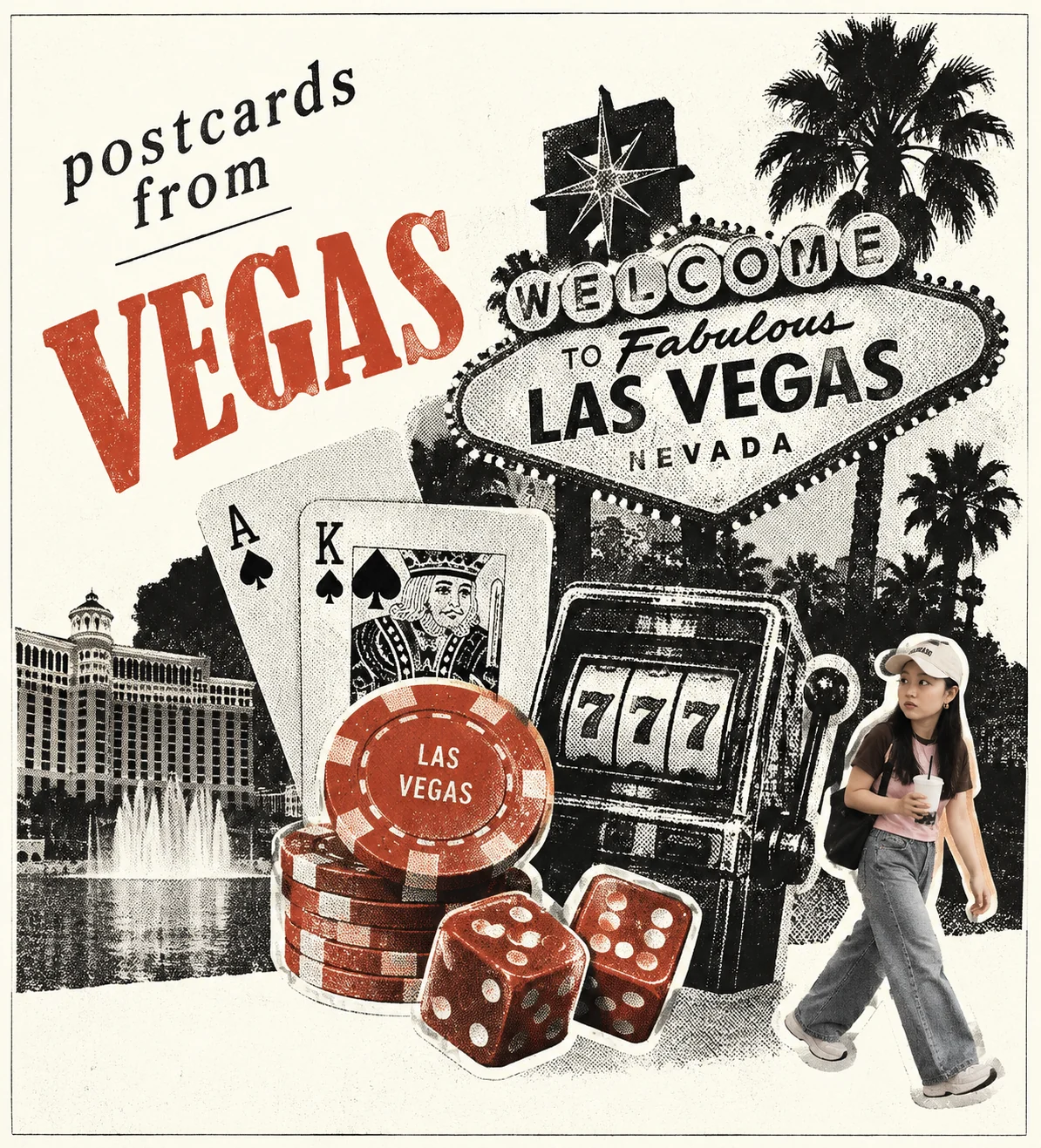
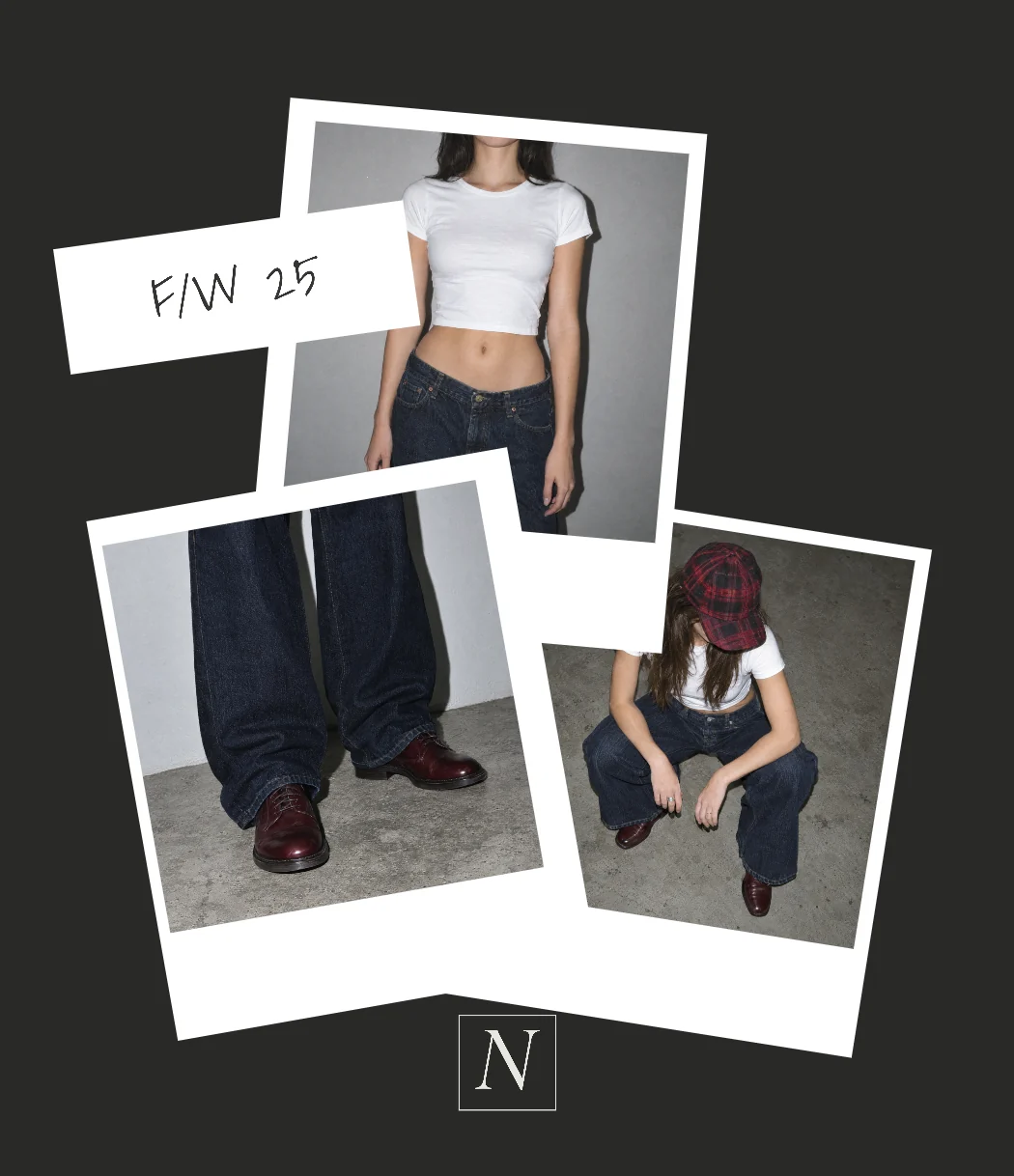
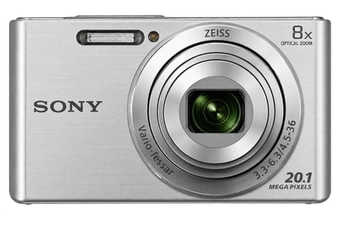
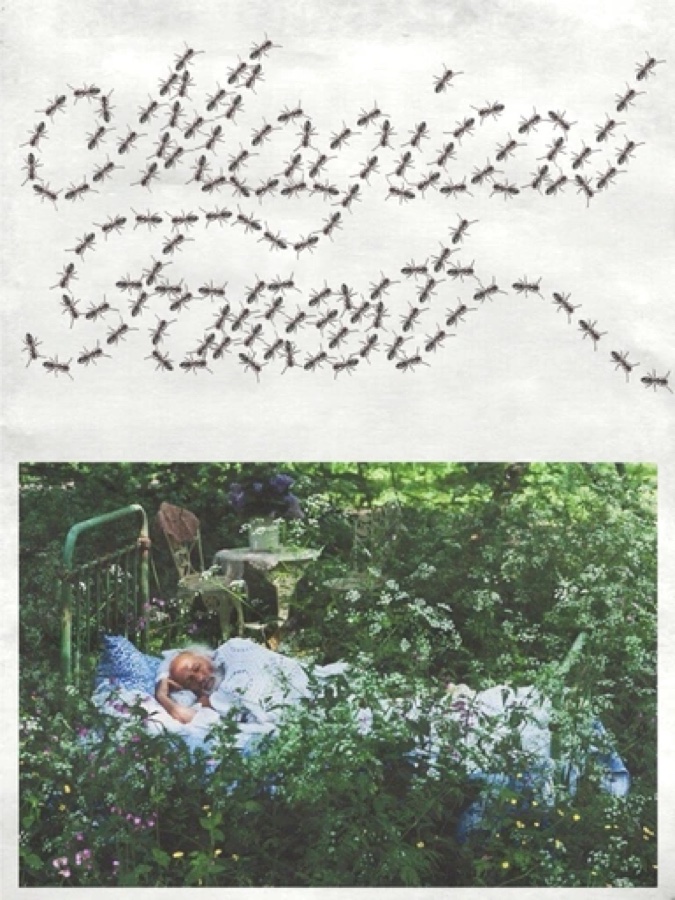
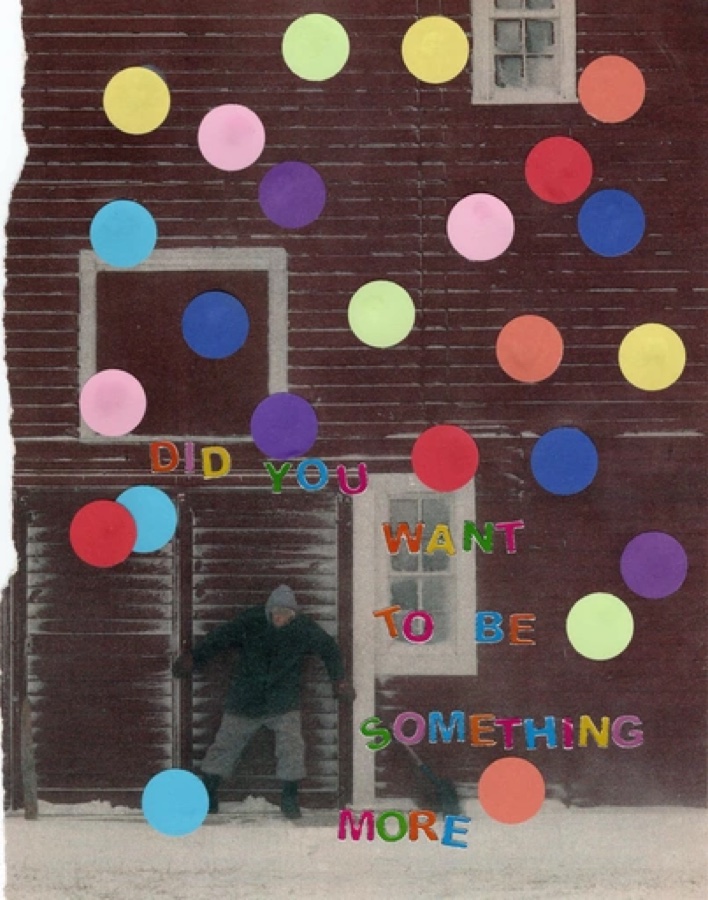
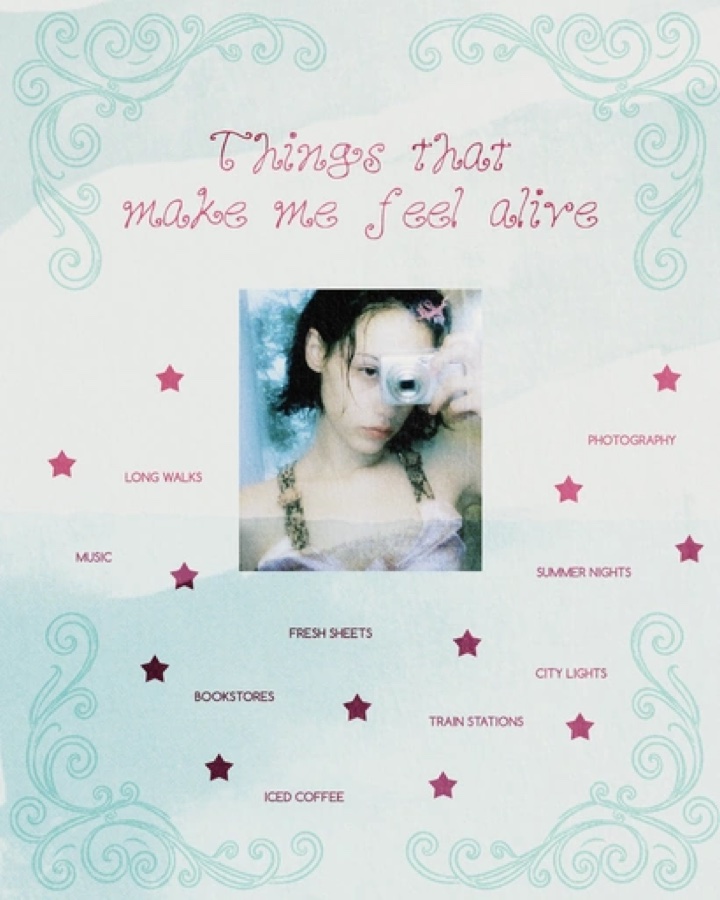
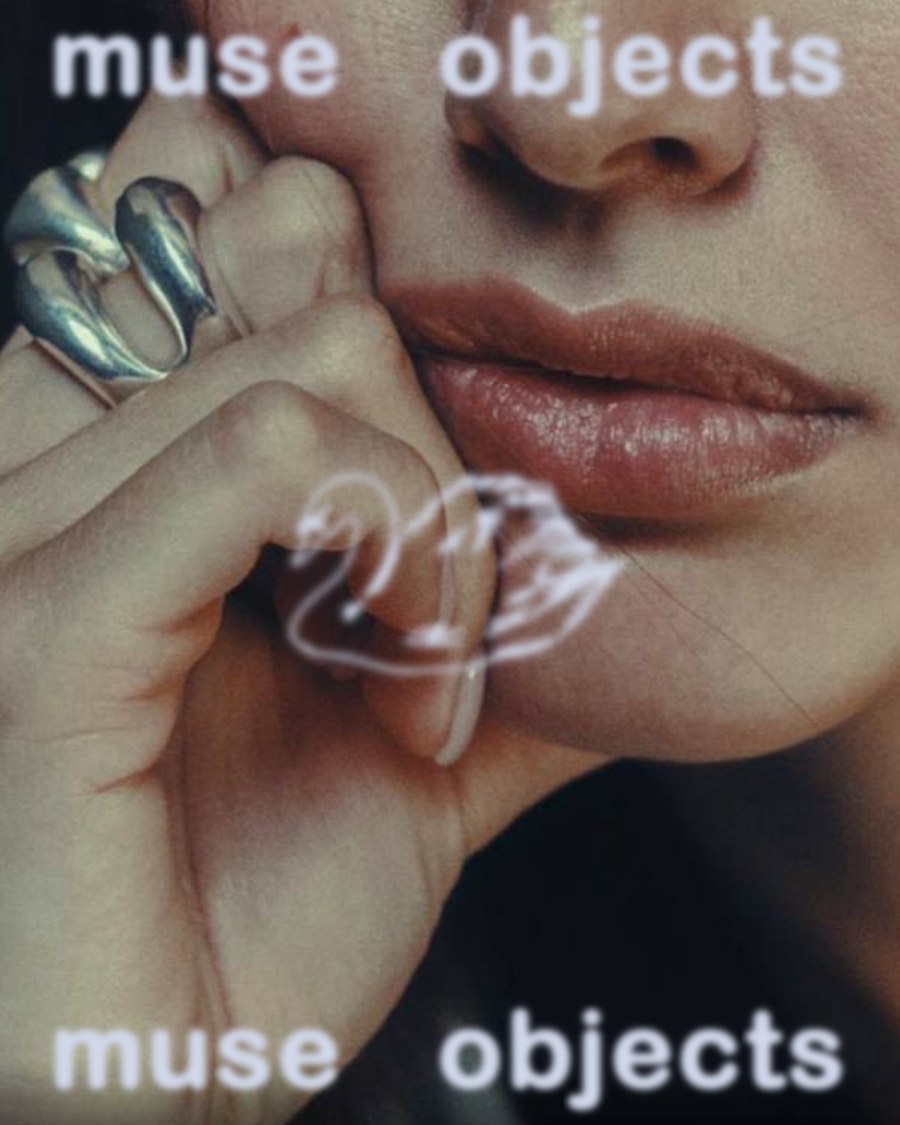
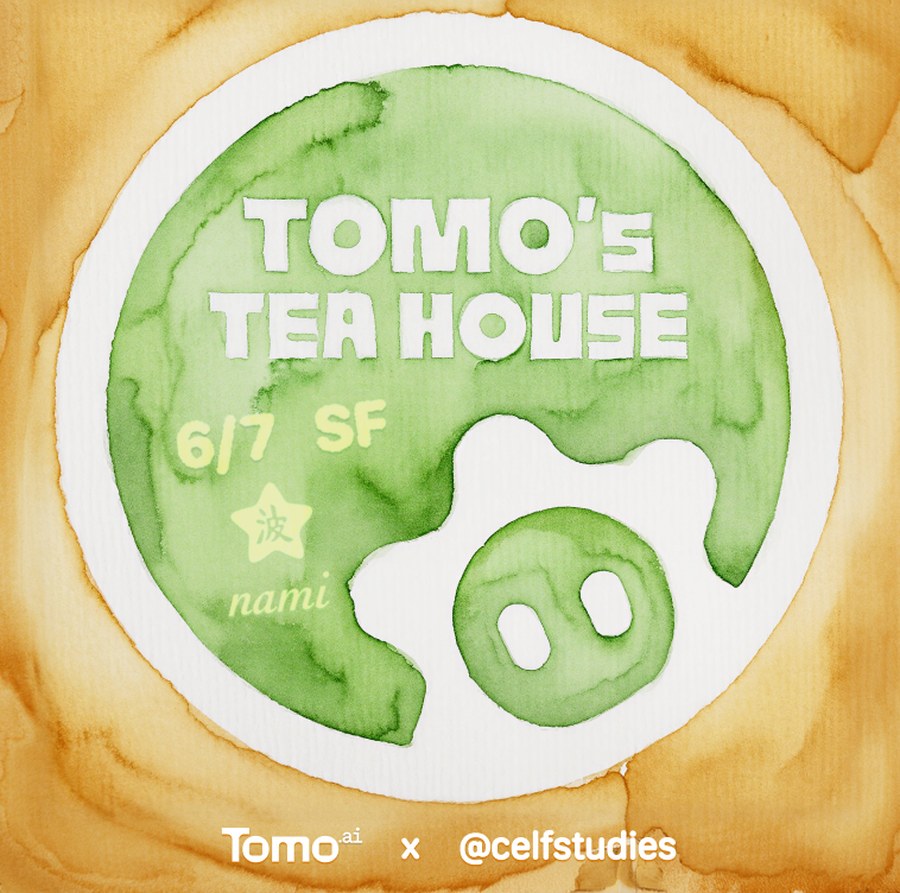
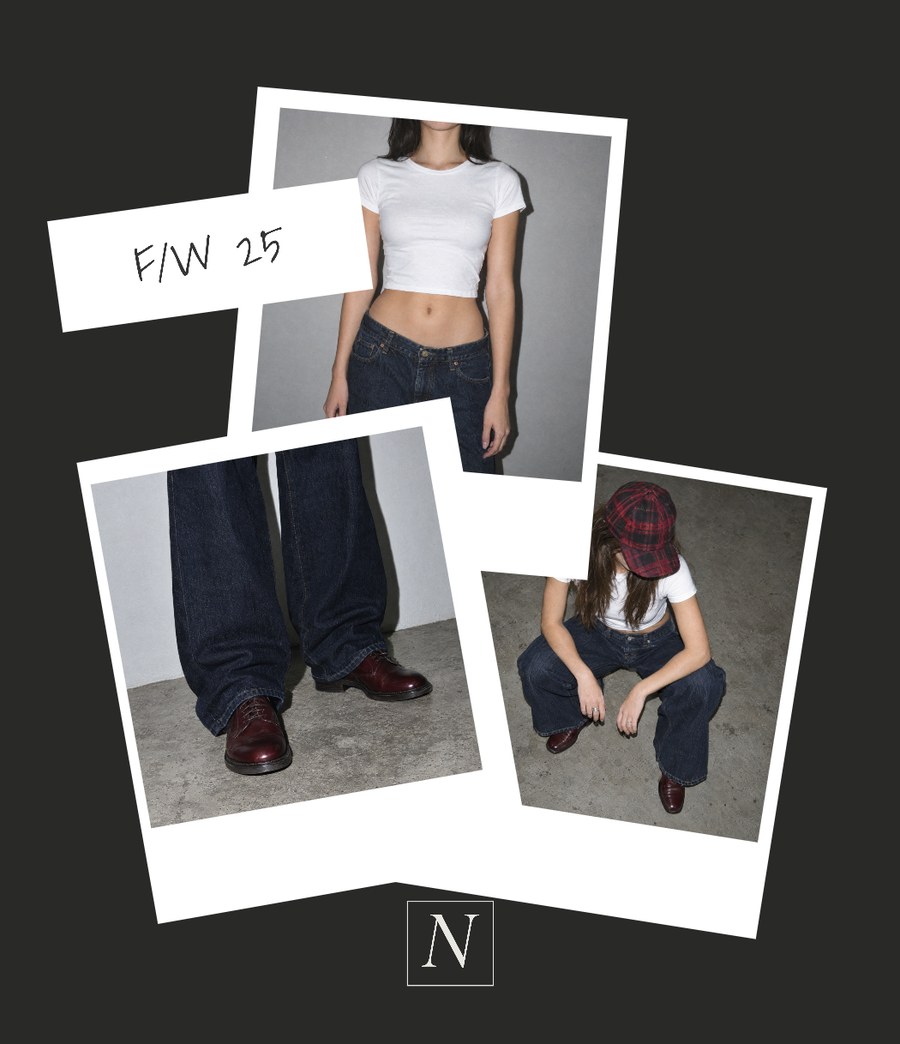
See what Playful Creators are making
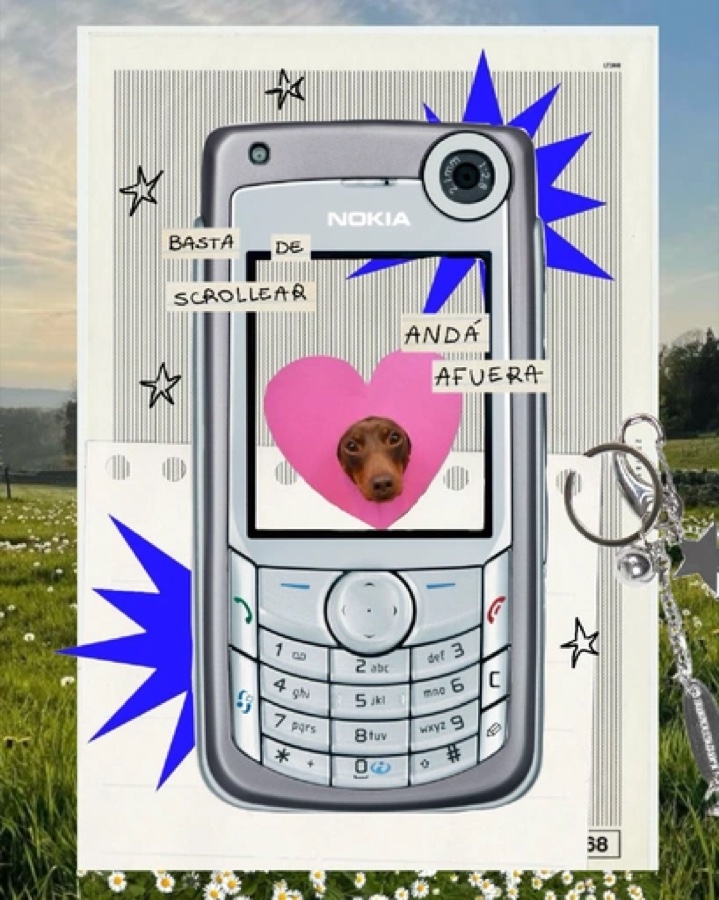



How Playful compares
Different tools shape different creative habits. Playful is built for fast, expressive graphics that still feel personal.
Playful vs Canva
Canva is useful when you want a broad visual suite for templates, presentations, docs, and brand systems.
Playful is for making creator-native graphics that feel less like a template and more like your taste.
Use it for posts, invites, edits, stickers, collages, and custom text styles made by talk, doodle, or tap.
Playful vs CapCut
CapCut is useful when your main output is video editing, timelines, clips, captions, and social video workflows.
Playful is for still and lightweight visual content that needs to look designed without opening a pro tool.
Use it for posters, feed graphics, selfie edits, party invites, moodboard-style layouts, and custom type.
Frequently Asked Questions
What is Playful Design?
Playful Design is a creative app for making posters, invitations, photo edits, custom type, feed posts, and visual assets by talking, doodling, or tapping.
Do I need design skills to use Playful?
No. Playful is designed for people who want polished, expressive graphics without starting from a blank canvas or feeling overwhelmed by professional design software.
What can I make with Playful?
You can make party invites, event posters, selfie edits, collages, content for your feed, and custom text styles for social posts, campaigns, moodboards, and everyday content that builds your brand.
How do I get access?
Join the beta from this page. If you already have an account, you can log in from the top navigation.